
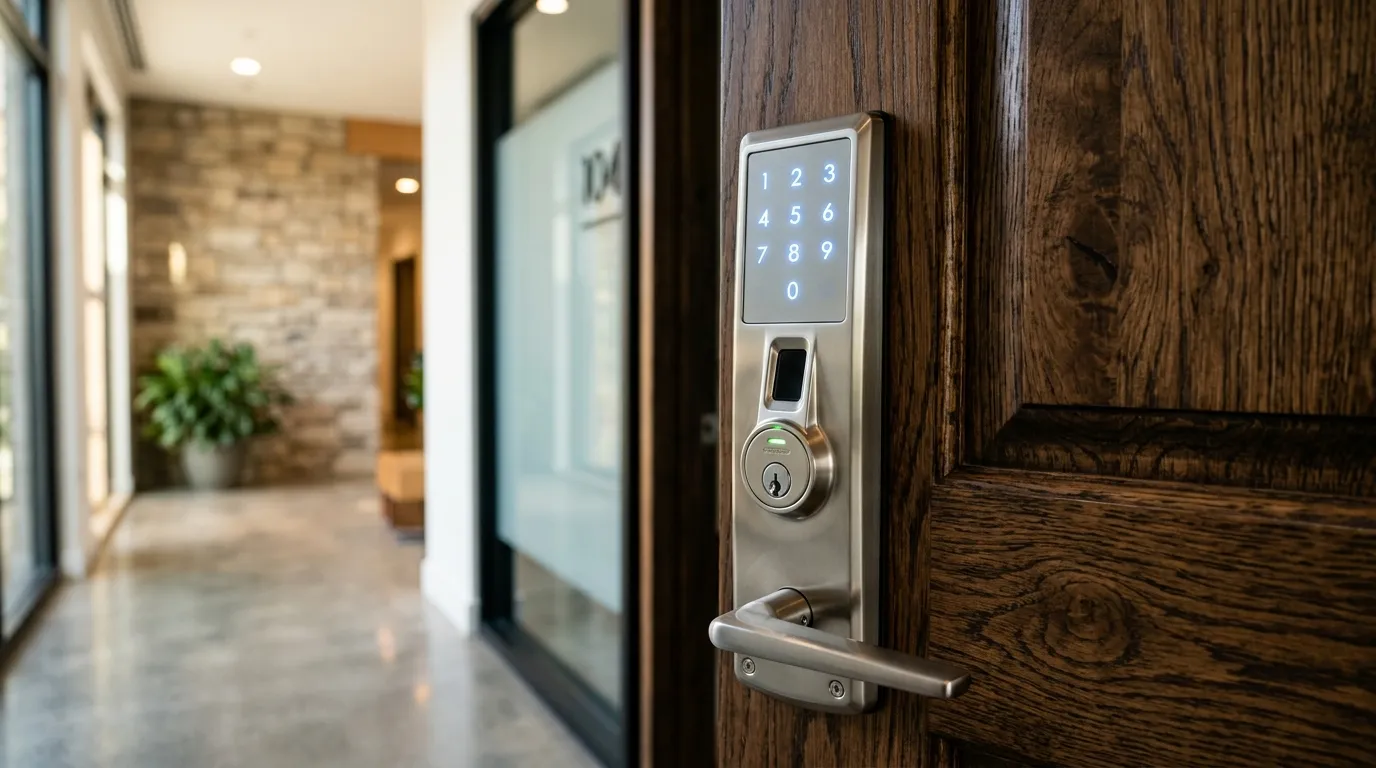
The Fail-Safe Systems That Prevent Smart Lock Lockouts
A common concern when upgrading to a keyless deadbolt is: “What happens if the batteries die, the power fails, or the home internet goes down? Will I be locked out?” Smart lock designers incorporate mechanical fail-safes to prevent this.
1. Battery Power is Local
Smart locks do not rely on your home’s main electrical grid. They operate on AA or AAA batteries housed inside the interior door plate. If a storm causes a power outage, your lock remains fully functional.
2. Low-Battery Warnings
Locks warn you weeks in advance when the batteries are running low. They will flash red lights, emit warning beeps, or send notifications to your smartphone app.
3. Emergency Bypass Options
If you ignore the warnings and the battery dies completely, you have two override routes:
- Physical Keyway: Most smart locks still feature a concealed physical key cylinder under a cover plate.
- 9V Battery Backup Terminals: Some keyless models feature two metal contacts at the bottom. Touching a standard 9V battery to these terminals provides temporary power to enter your PIN code.
Wifi loss
Most smart locks continue to work with keypads, keys or Bluetooth when wifi is down. Remote features and logs pause until it returns.
Power loss
Battery-powered locks are unaffected by power cuts. Wired locks may need backup power. Check the manual for what the lock does when batteries are low.
Prepare
Keep spare batteries and a mechanical override. Test the lock with wifi turned off so you know how it behaves. See installing a wifi gateway.
Questions about a lock or key problem? Apna Locksmith is a Brampton-based mobile locksmith serving Brampton, Vaughan, Caledon, Etobicoke and Halton Hills. Call (289) 406-1500 or see our service areas.