
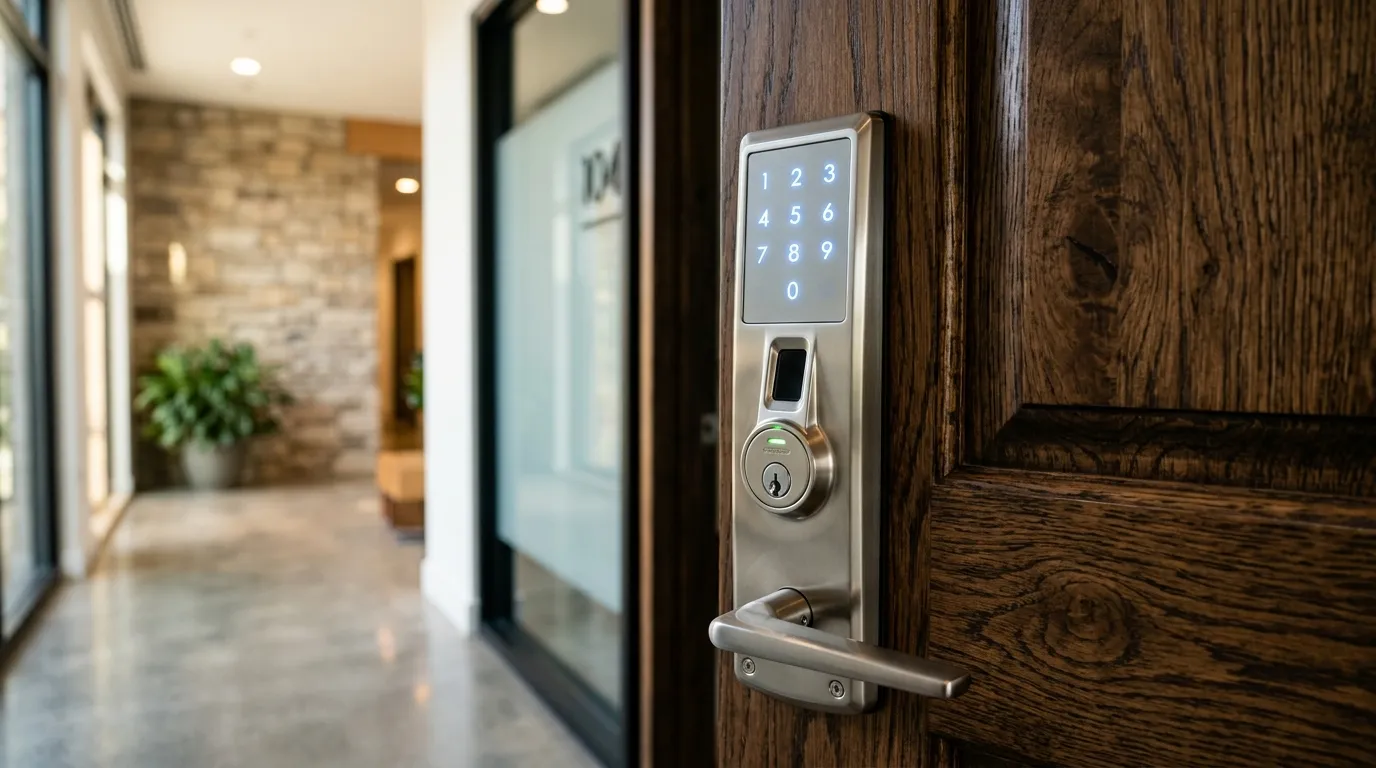
Evaluating Your Door for Keyless Deadbolt Retrofitting
Smart locks provide incredible convenience, allowing you to unlock your home using a smartphone app, keycodes, or fingerprint scans. However, not every door is ready for a smart lock out of the box. Follow this compatibility checklist before purchasing.
1. Confirm Your Deadbolt is Standard
Smart locks are designed to replace standard, single-cylinder deadbolts (where the lock is separate from the lower handle).
- If you have an integrated handle-and-lock assembly (mortise lock), or a multipoint lock system, standard smart locks will not fit without modification.
2. Check the Door Thickness
Standard residential doors are either 1-3/8 inches or 1-3/4 inches thick. Most smart locks are built for these dimensions. If you have an extra-thick wood or custom entry door, you will need to purchase an extension kit.
3. Verify Door Alignment
A smart lock uses an electric motor to slide the deadbolt into the frame. If your door requires you to pull or push on the handle to lock it, the smart lock will jam and drain the batteries quickly. The deadbolt must slide into the frame strike with zero friction.
Door checks
Door thickness, the size of the bore hole, backset and edge preparation must fit the lock. Very thin or hollow doors may not hold a heavy lock.
Alignment
The bolt must align with the strike. A door that sticks will cause trouble for a motorised lock.
Ask before you buy
Send a photo and measurements to a technician. See smart lock installation and wifi setup.
Questions about a lock or key problem? Apna Locksmith is a Brampton-based mobile locksmith serving Brampton, Vaughan, Caledon, Etobicoke and Halton Hills. Call (289) 406-1500 or see our service areas.