
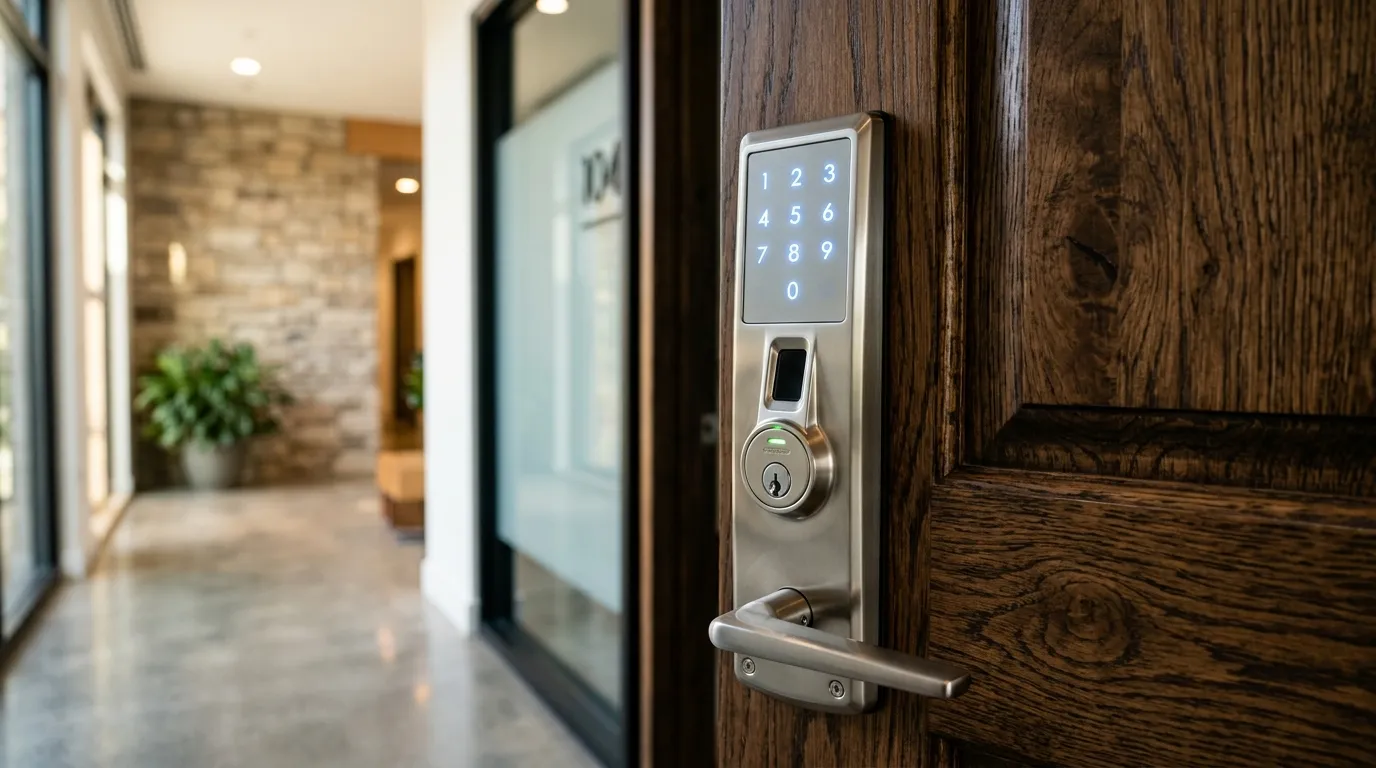
Step-by-Step Instructions to Update Keypad Access Codes
To maintain keyless lock security, you should change your keypad access codes periodically—especially after home renovations, house guests, or tenant changes. While every lock brand has a slightly different setup, the basic programming logic is consistent.
The Programming Code vs. User Codes
- The Master Programming Code: This is a 6-to-8 digit code used to adjust the lock settings. It does not unlock the door.
- User Codes: These are the shorter 4-to-6 digit codes used by family members or employees to unlock the deadbolt.
Basic Reset Steps
- Enter your Master Programming Code (refer to your lock manual for the default factory code if you haven’t changed it).
- Press the programming button (often the brand logo button, or a gear icon).
- Enter the function code (for example, “1” to add a code, or “2” to delete a code).
- Enter the new User Code, and press the program button again to save.
A general approach
Each brand differs, so start with the manual or manufacturer’s website. Most locks have a programming code that must be entered before you can add or delete user codes, and a reset procedure that returns the lock to factory settings.
Good habits
Choose codes that are not birthdays or repeated digits, give guests time-limited codes if the lock supports them, and delete codes when no longer needed. Record the programming code in a safe place.
When to call us
If the lock does not respond, the door binds or the keypad has failed, a technician can diagnose the cause. See rentals and keyless locks.
Questions about a lock or key problem? Apna Locksmith is a Brampton-based mobile locksmith serving Brampton, Vaughan, Caledon, Etobicoke and Halton Hills. Call (289) 406-1500 or see our service areas.