
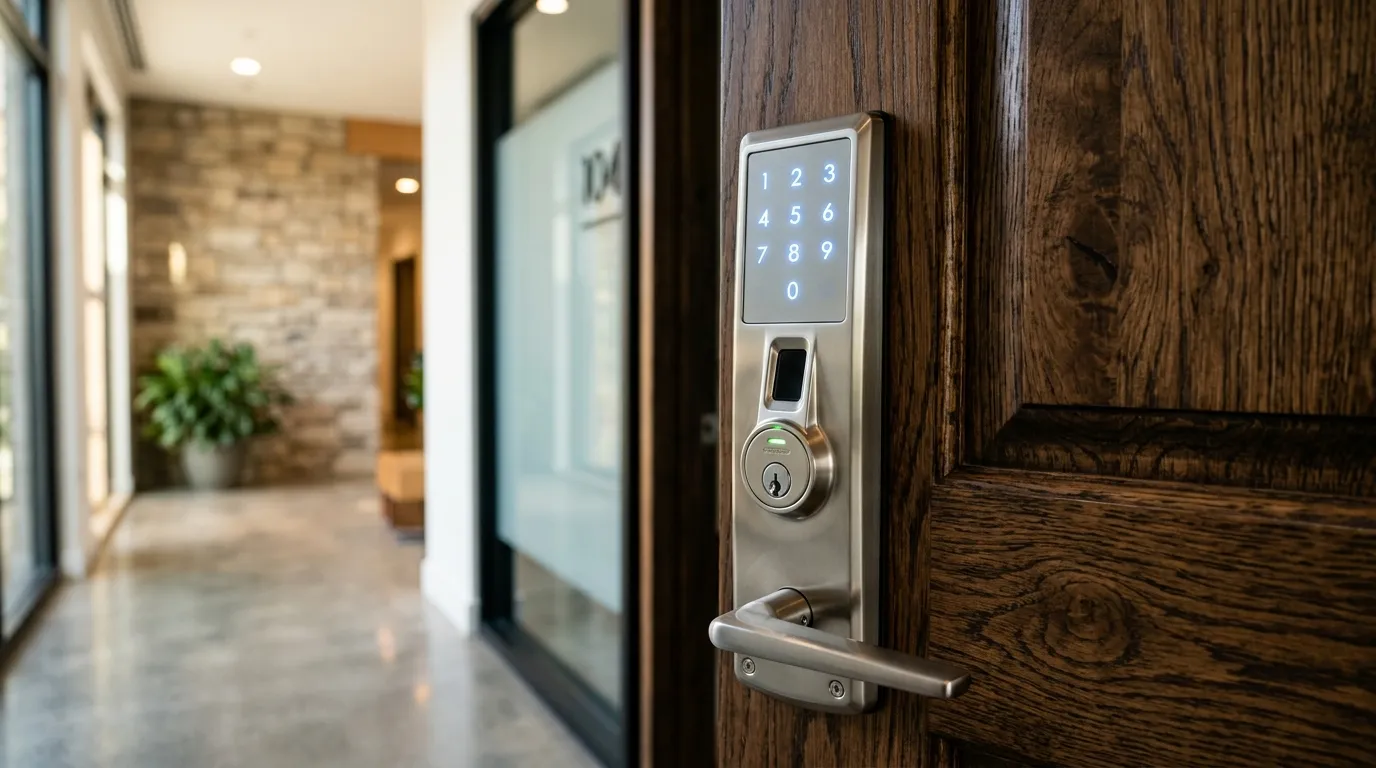
Connecting Your Entry Doors to Your Smart Home Ecosystem
A smart lock is most powerful when it integrates with your wider smart home setup. By linking your deadbolt to hubs like Apple HomeKit, Amazon Alexa, or Google Assistant, you can automate your security routines.
Key Integration Benefits
- Voice Controls: Ask Siri, Google, or Alexa to “lock the front door” from bed. Voice commands to unlock typically require a secure PIN code to prevent someone outside from shouting commands through a window.
- Smart Home Routines: Program your smart home to lock the front door, turn off the lights, and set the thermostat automatically when you say “Goodnight.”
- Remote Status Checks: Verify that the doors are locked from anywhere in the world using your home automation app.
Match the lock to the ecosystem you already use
Before buying, check which platform your household relies on. An iPhone-heavy home may want a lock that supports Apple Home, while a house full of Google or Alexa speakers may prefer those platforms. Some locks support several, but features can differ between them.
The practical differences
Voice control is convenient but you should think about who can hear it. Many households allow “lock the door” by voice but require a code or an authenticated device to unlock. A bridge or hub can make the lock more responsive but adds another device that needs power and updates.
Test before you rely on it
Add the lock to your platform, test locking and unlocking from several places, and check what happens when the internet is off. Keep a mechanical or keypad backup. If you are unsure how the lock will fit your door, our smart lock installation service covers measurements and setup across Brampton, Vaughan and the wider GTA.
Questions about a lock or key problem? Apna Locksmith is a Brampton-based mobile locksmith serving Brampton, Vaughan, Caledon, Etobicoke and Halton Hills. Call (289) 406-1500 or see our service areas.