
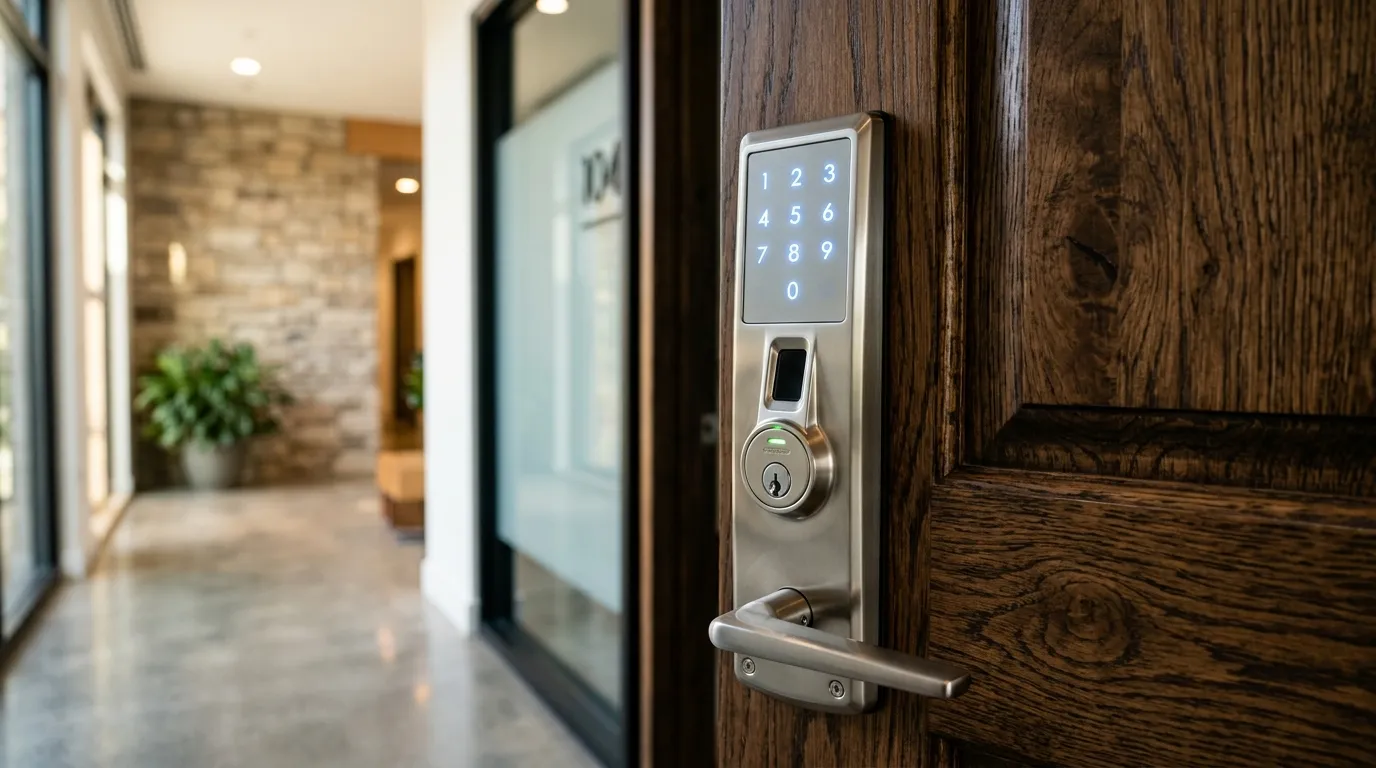
Comparing Fingerprint Scanners and Smartphone Access
Biometric smart locks represent the cutting edge of keyless home entry. By using your unique fingerprint or a secure app connection, these locks provide high convenience. Let’s look at how fingerprint scanners compare to app-controlled locks.
Fingerprint (Biometric) Smart Locks
- How they work: A optical or capacitive scanner on the lock reads your print and matches it to a database of authorized users.
- Pros: Lock opens in under a second. No need to carry keys, remember codes, or hold your phone.
- Cons: Scanners can struggle if your finger is wet, dirty, or during freezing winter weather.
App-Controlled Smart Locks
- How they work: The lock pairs with your phone via Bluetooth or WiFi. The door unlocks when you approach or tap a button in the app.
- Pros: Allows remote unlocking from anywhere and provides access alerts.
- Cons: Requires your phone to have battery life and your app to be running.
Fingerprint sensors in real life
Sensors can struggle with wet, dirty or very dry fingers and cold hands. Enrolling several fingers per person helps, and a keypad or key backup is still needed. Children and older adults sometimes enrol less reliably.
App locks
Phone-based access is convenient but depends on the phone being charged and the app working. If someone’s phone is lost, you must be able to remove their access quickly.
Choosing
Fingerprint locks suit people who dislike codes; app locks suit those who manage guests and want logs. Many locks offer both. Whichever you choose, keep the door and frame strong. See Wi-Fi lock security myths.
Questions about a lock or key problem? Apna Locksmith is a Brampton-based mobile locksmith serving Brampton, Vaughan, Caledon, Etobicoke and Halton Hills. Call (289) 406-1500 or see our service areas.