
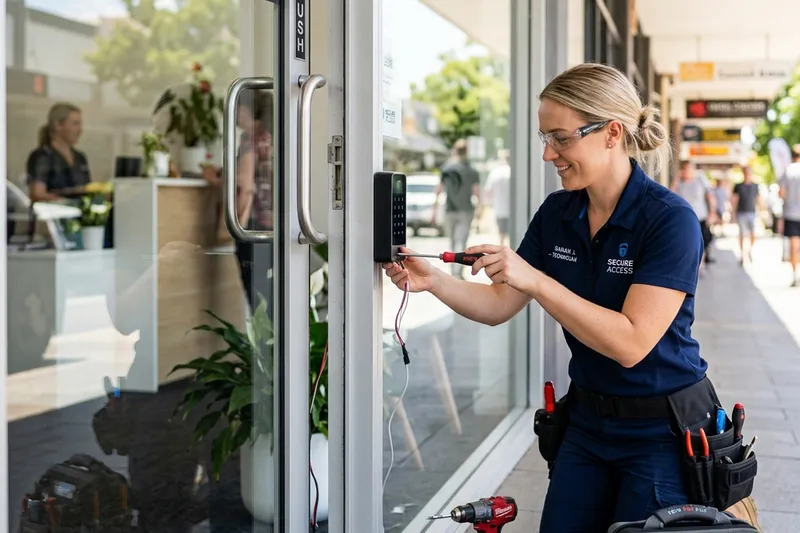
Service Highlights
- Manage from a browser or phone
- Mobile credentials
- Remote unlock for visitors
- Entry logs
- Several sites in one account
Cloud systems let you manage doors from a browser or phone. They are convenient for people who manage several small sites.
Who calls us about this
- A property manager looks after several small units.
- A small business wants to unlock the door for a delivery from a phone.
- A shared workspace changes users often.
- A company wants records without a server.
How the visit goes
- We review your doors and how people use them.
- We choose a system and hardware that fit.
- We install the controllers and readers and set up the account.
- We show you how to add and remove users.
What we look at
- Doors and users
- Internet dependency
- Subscription cost
- Data access
What affects the price
The number of doors, the hardware, and the cloud subscription.
Before you call
Bring a list of doors and users, and decide who will manage the system.
Good to know
Cloud access systems store settings online, so you can add a person, remove a card or unlock a door from anywhere. That convenience depends on the internet and usually a subscription. Most systems keep working locally if the connection drops, but it is worth asking how yours behaves. Decide who will manage the system and who can see the data before it goes live.
When this is not the right fix
Very large or complex sites need a specialist integrator.
Frequently Asked Questions
Does it need the internet to work?
Most systems keep working locally if the connection drops, but some features pause.
Who can see the entry data?
You control who has access to the dashboard and what they can see.
Is there a subscription?
Most cloud systems have a monthly or annual fee. We tell you about it up front.